

Step 1: Install the Major plugin
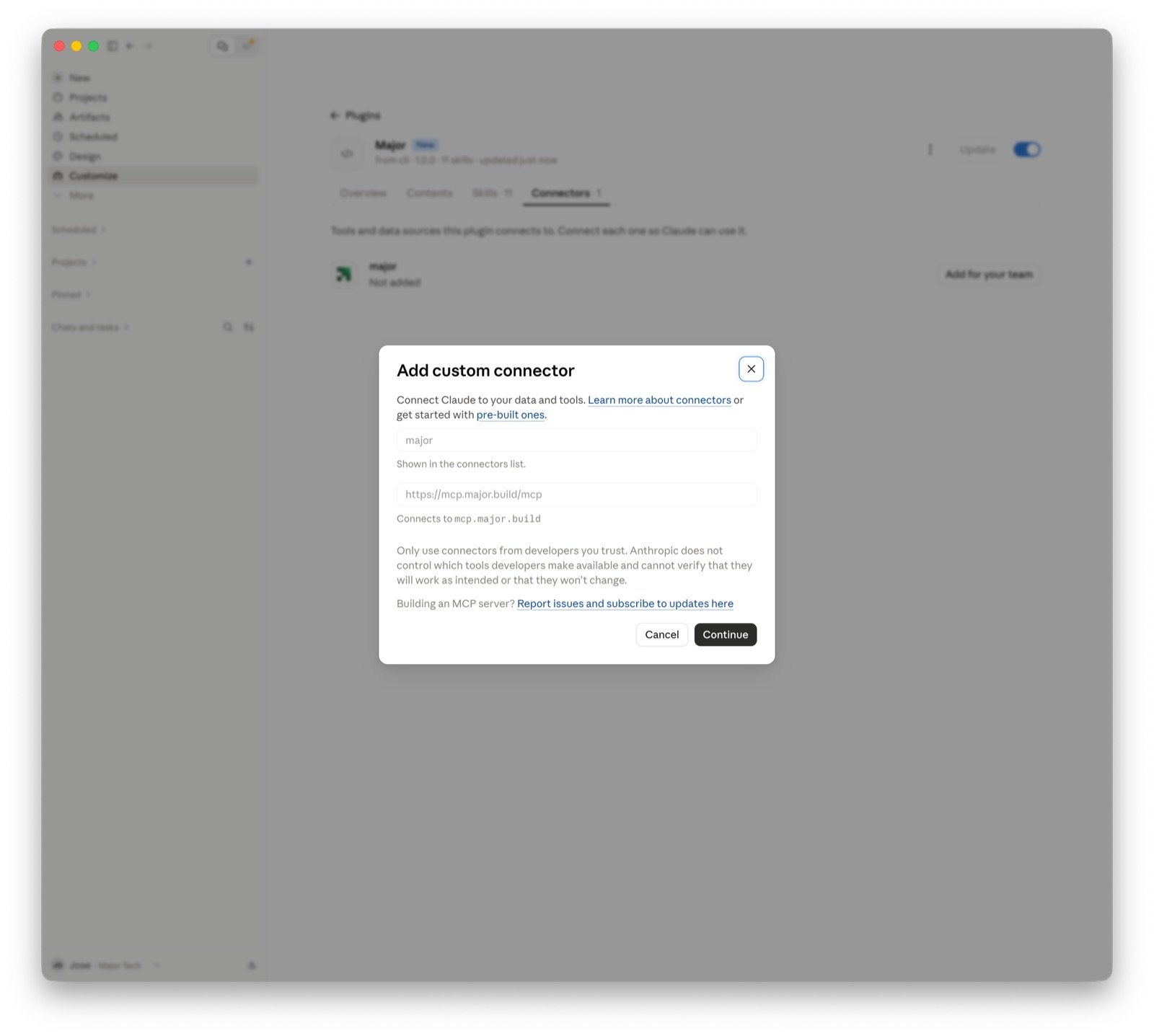
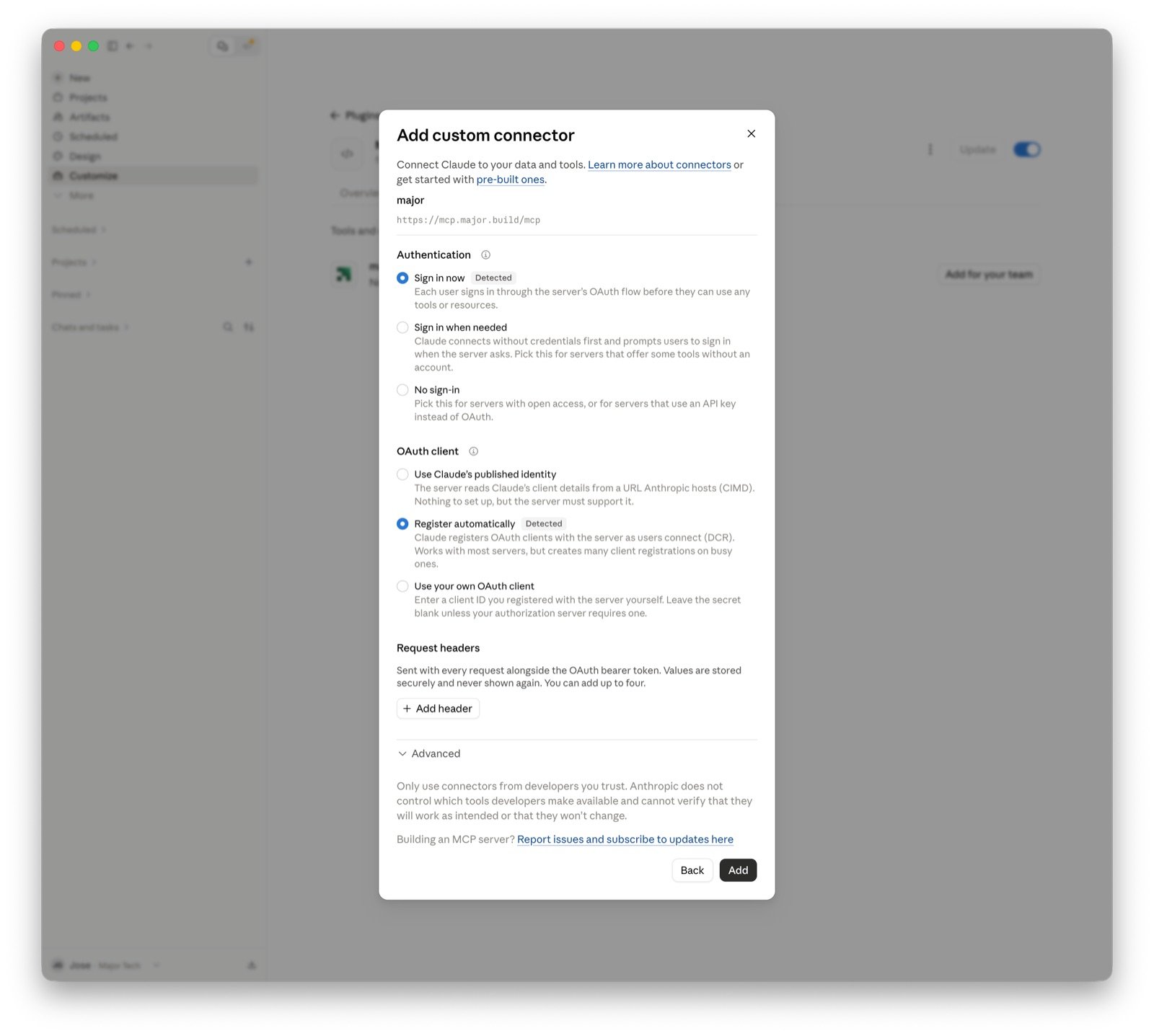
The Major plugin adds the Major MCP server (https://mcp.major.build/mcp) and the Major skills to your client. Pick your client:
- Claude Code CLI
- Codex CLI
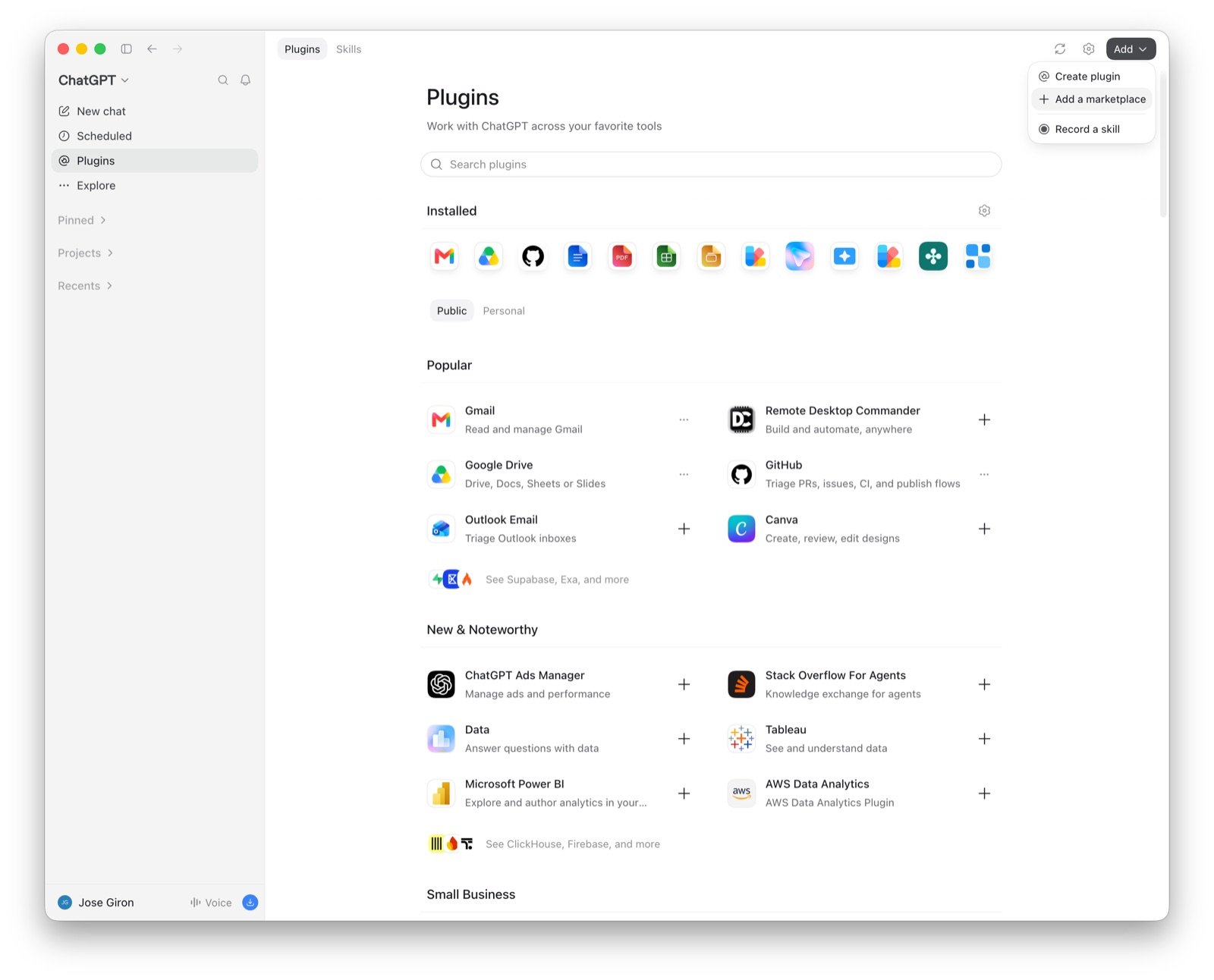
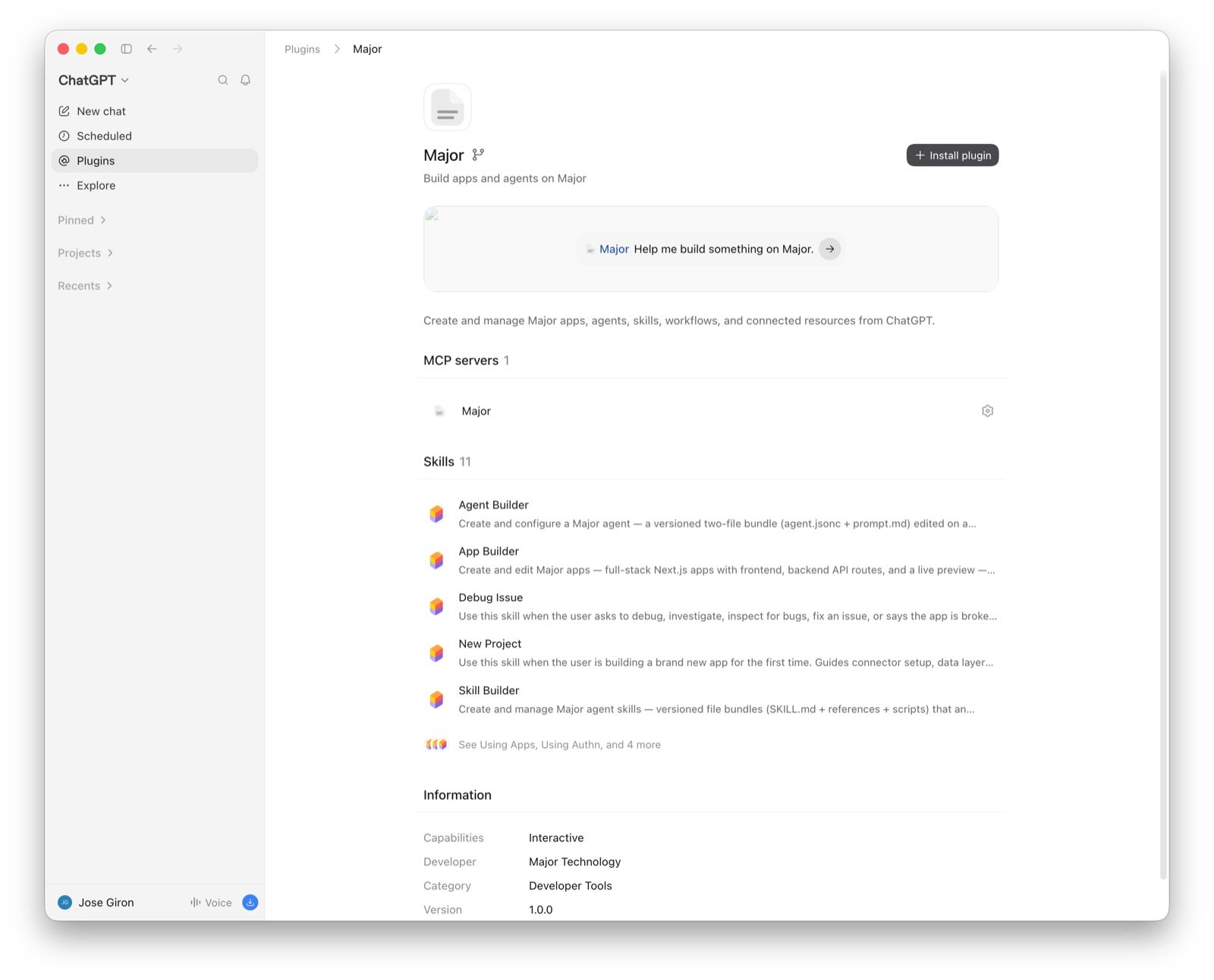
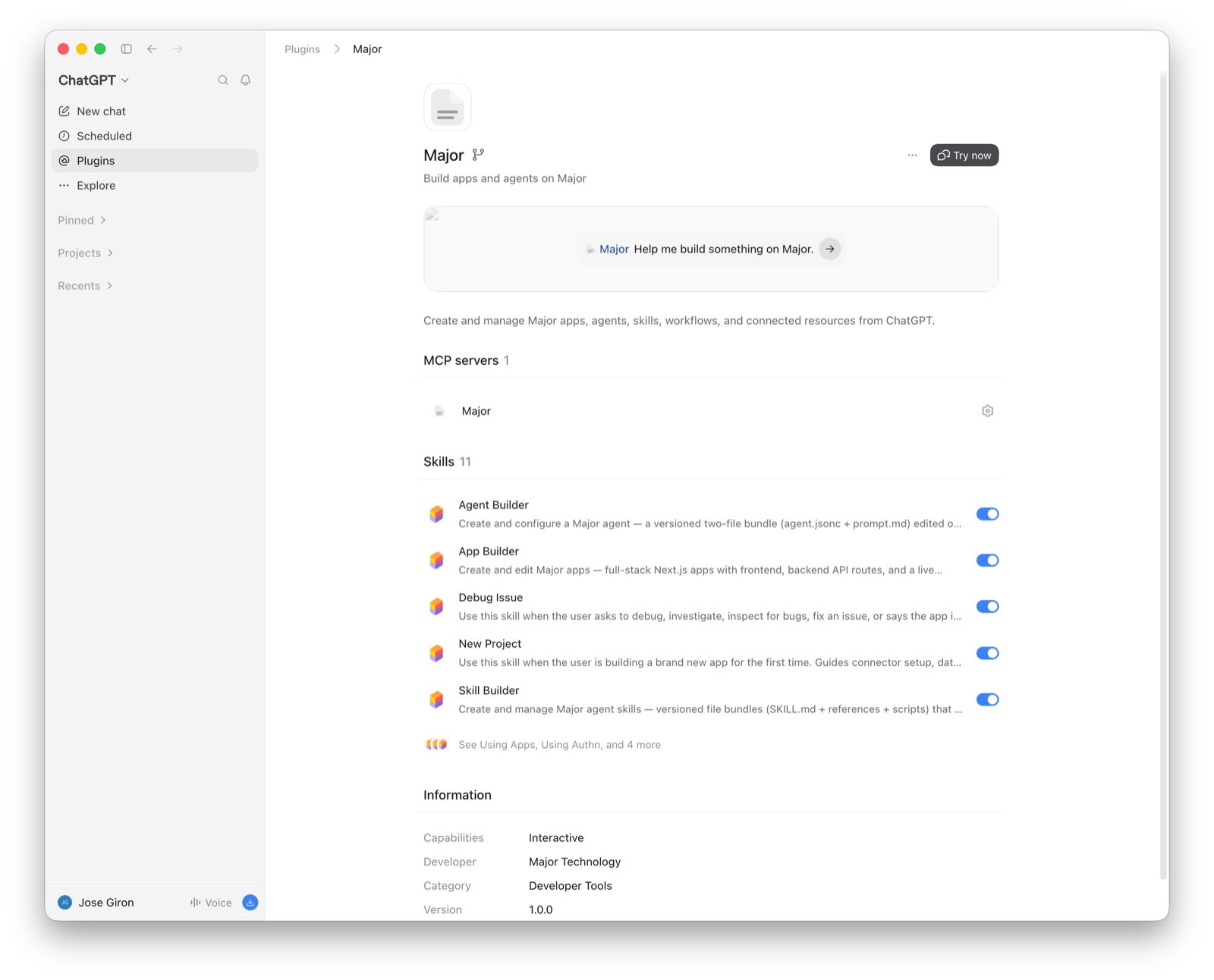
- ChatGPT Desktop
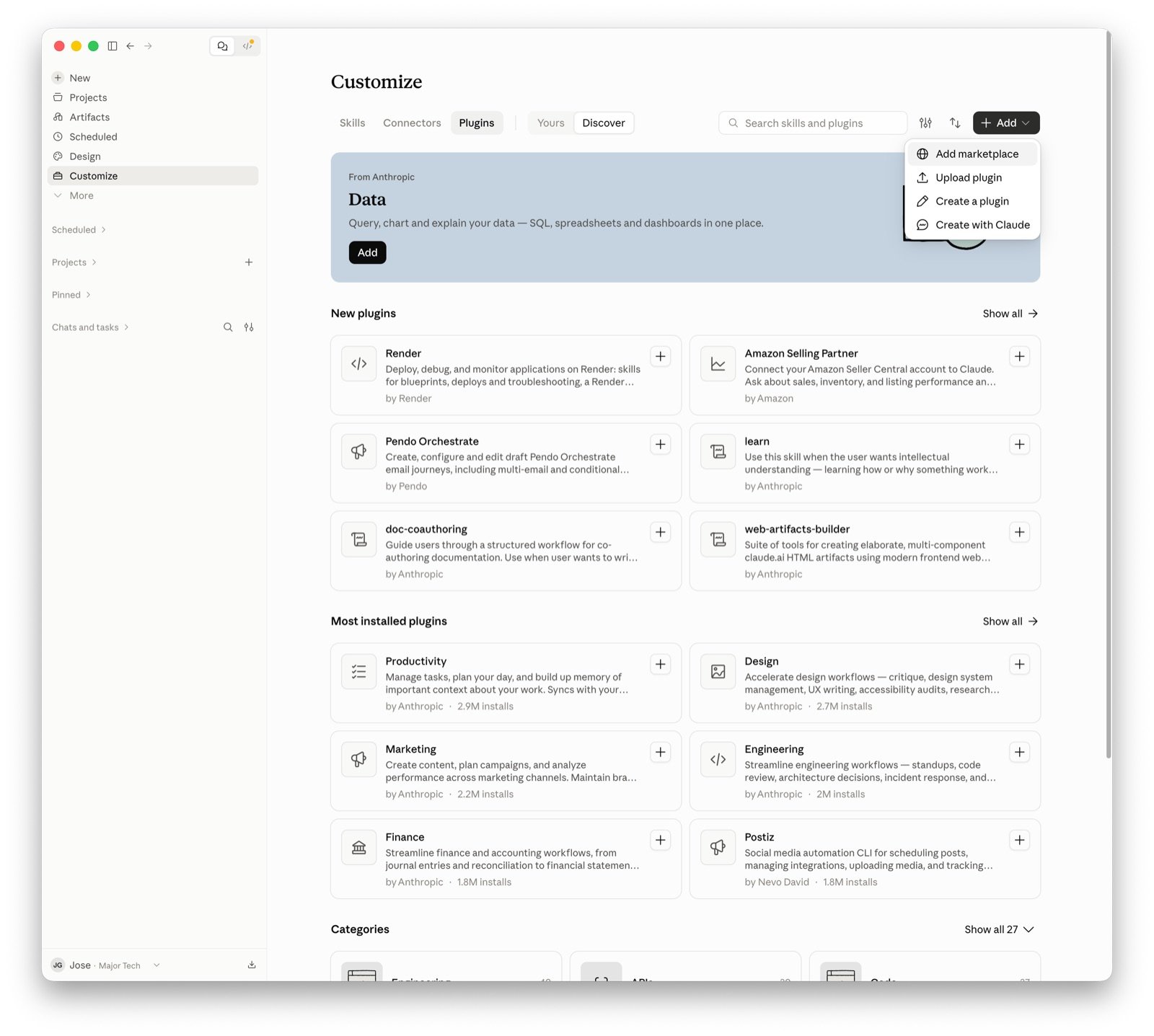
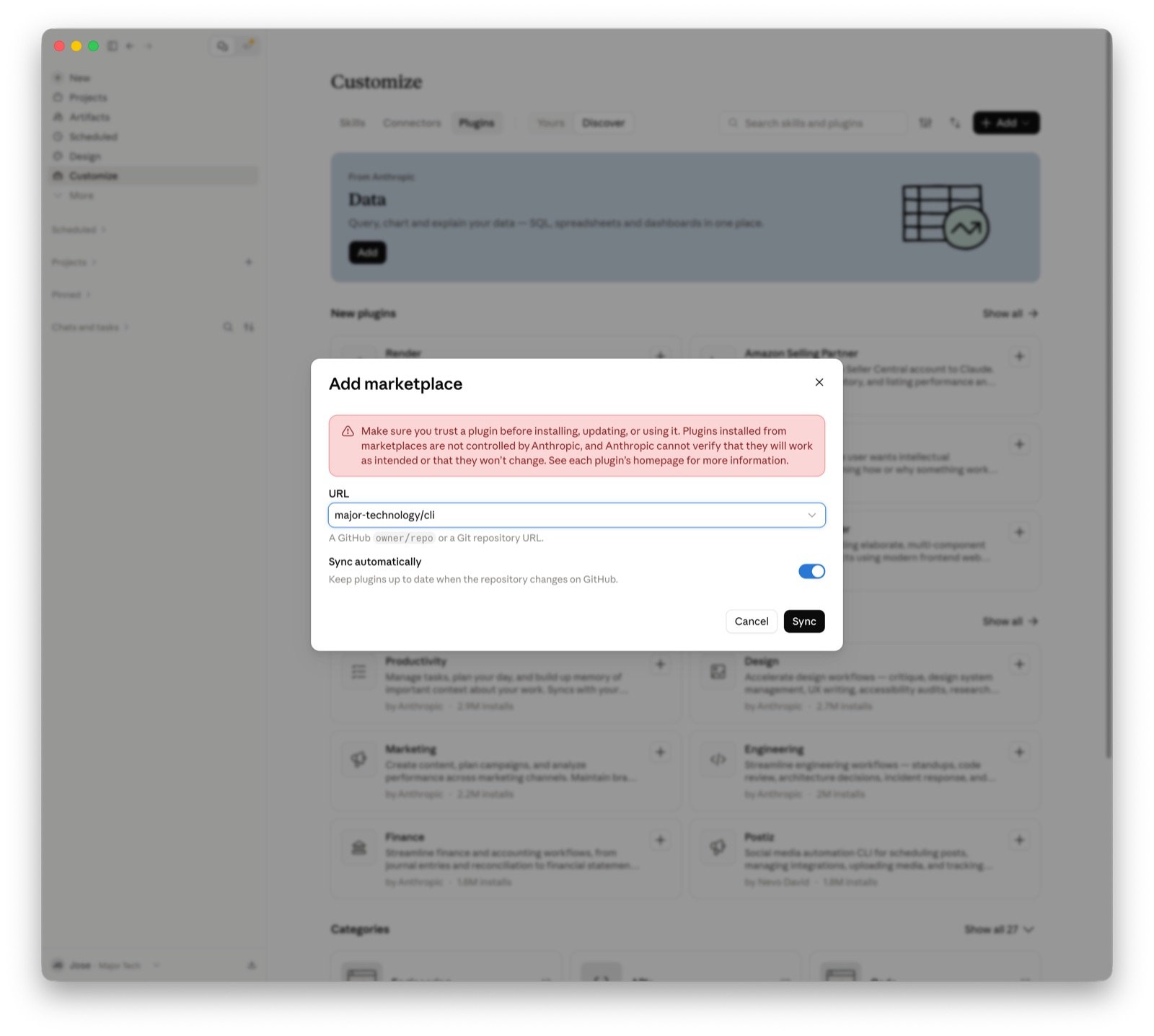
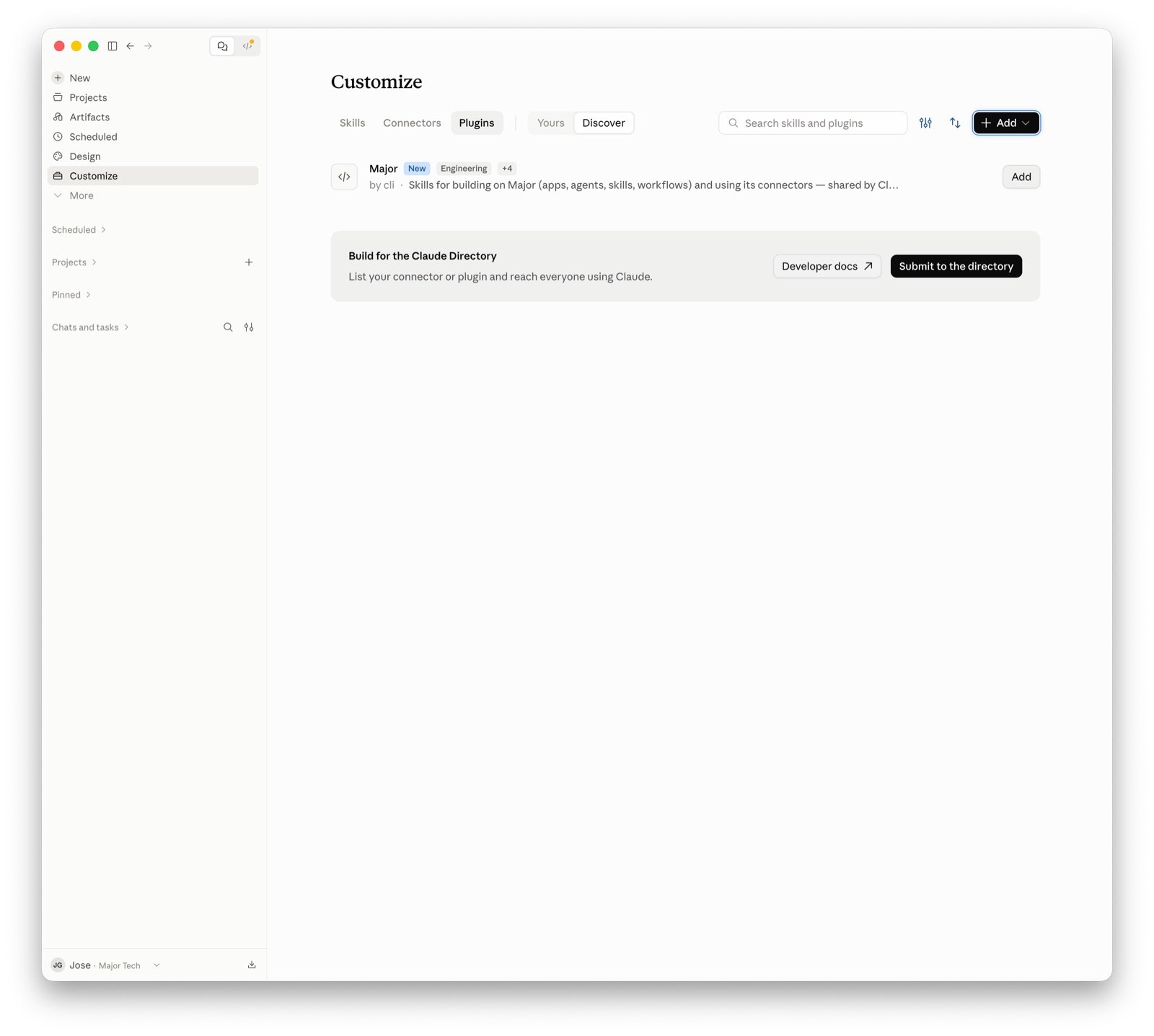
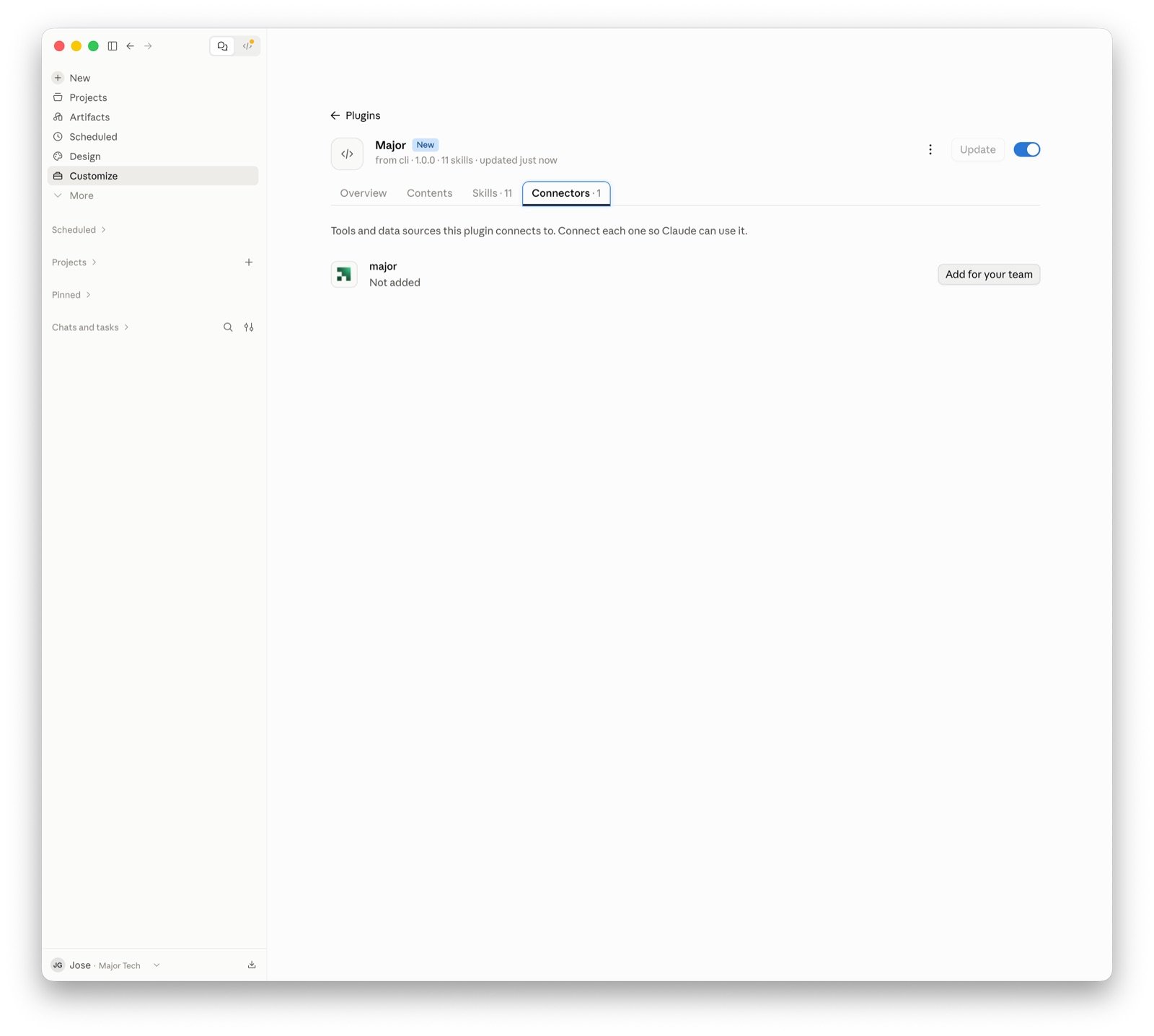
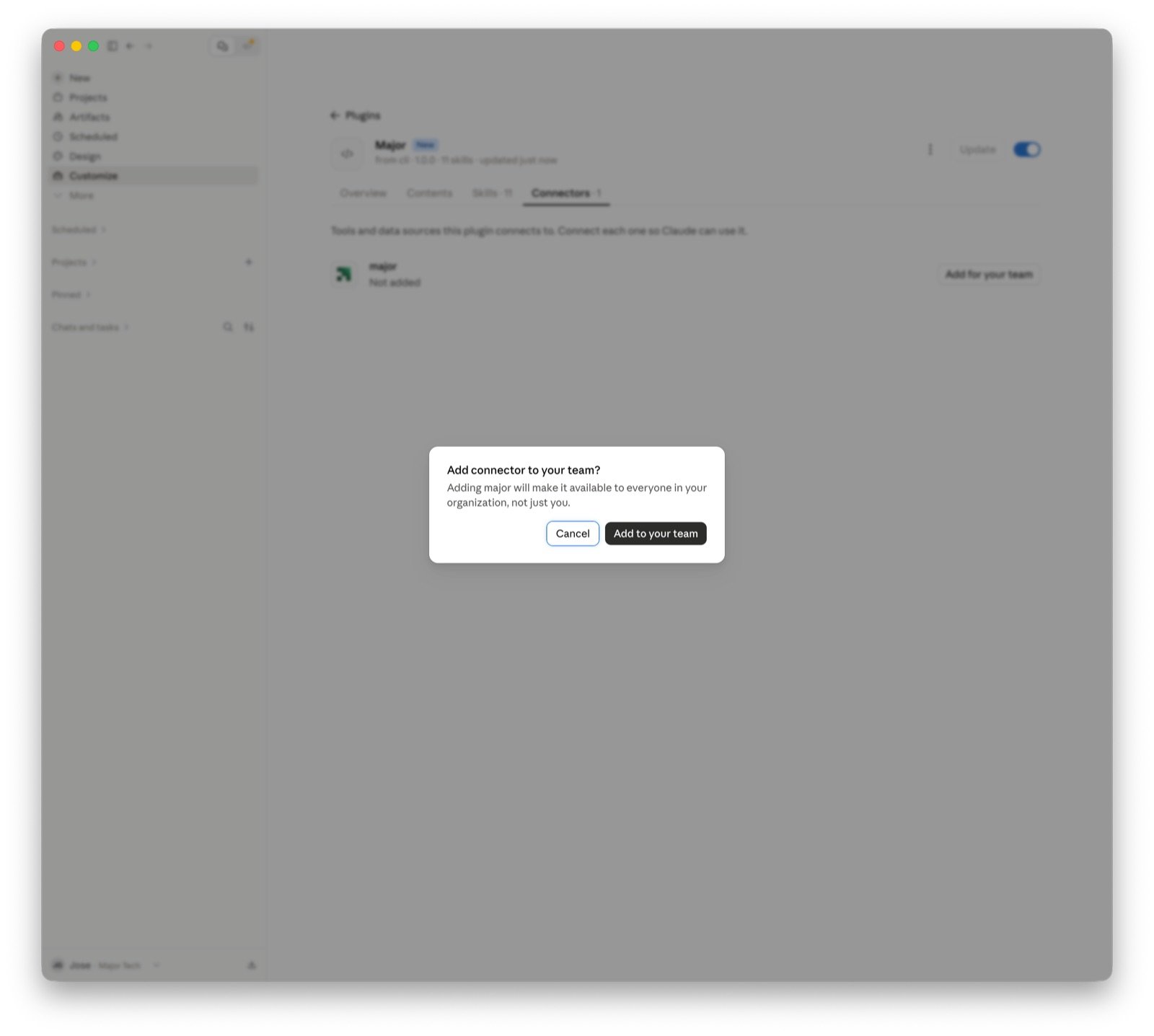
- Claude Desktop
1
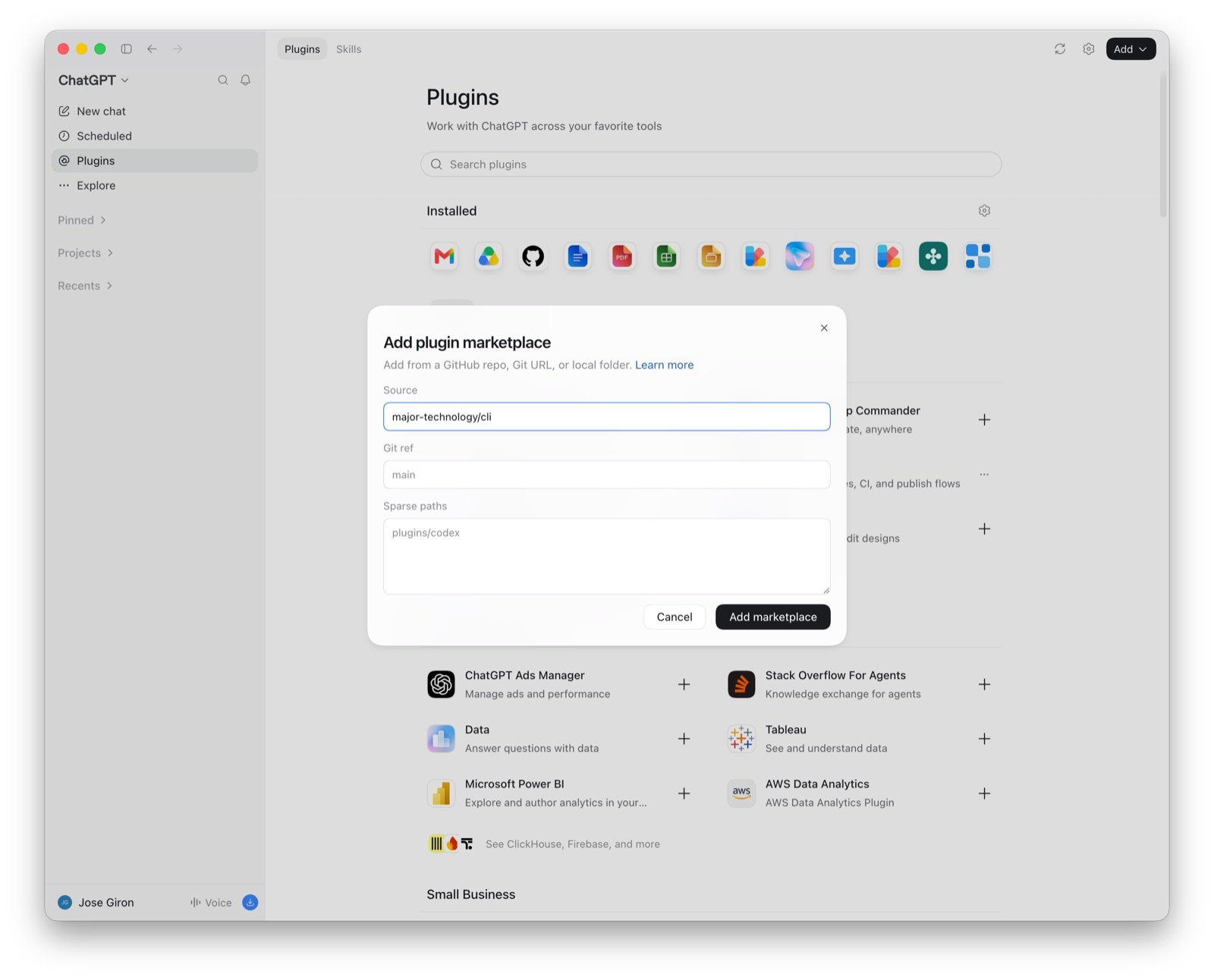
Add the Major plugin marketplace
Run this command in your terminal.
2
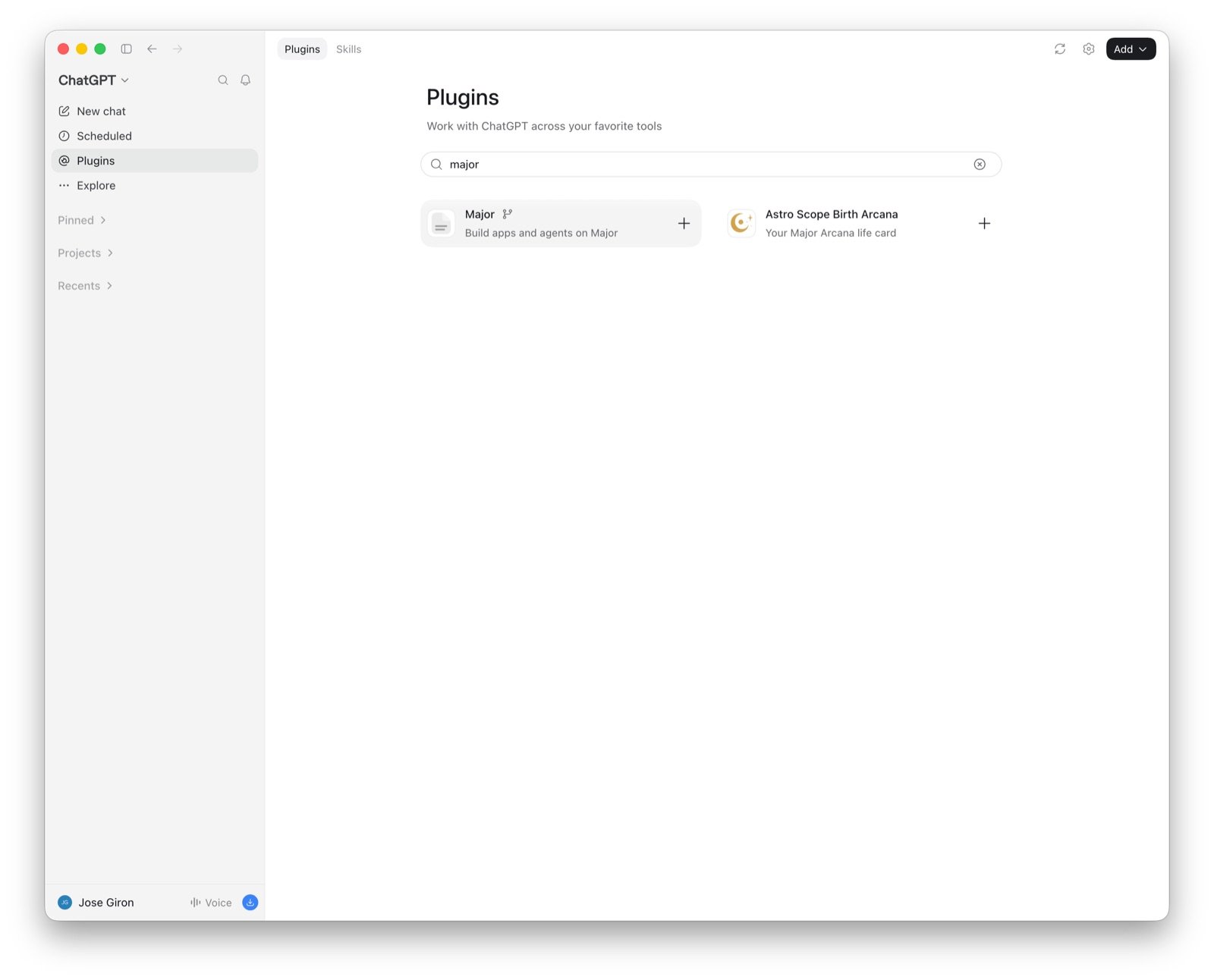
Install the major plugin
3
Sign in to Major
Your browser opens the Major sign-in page. Sign in and accept the access request.
4
Make sure that the server is connected
The “plugin:major:major” server shows the URL
https://mcp.major.build/mcp and the status “Connected”.5
Test the connection
Start Claude Code and ask a question about your Major workspace.
You can also run the same steps inside a Claude Code session:
/plugin marketplace add major-technology/cli, then /plugin install major@major.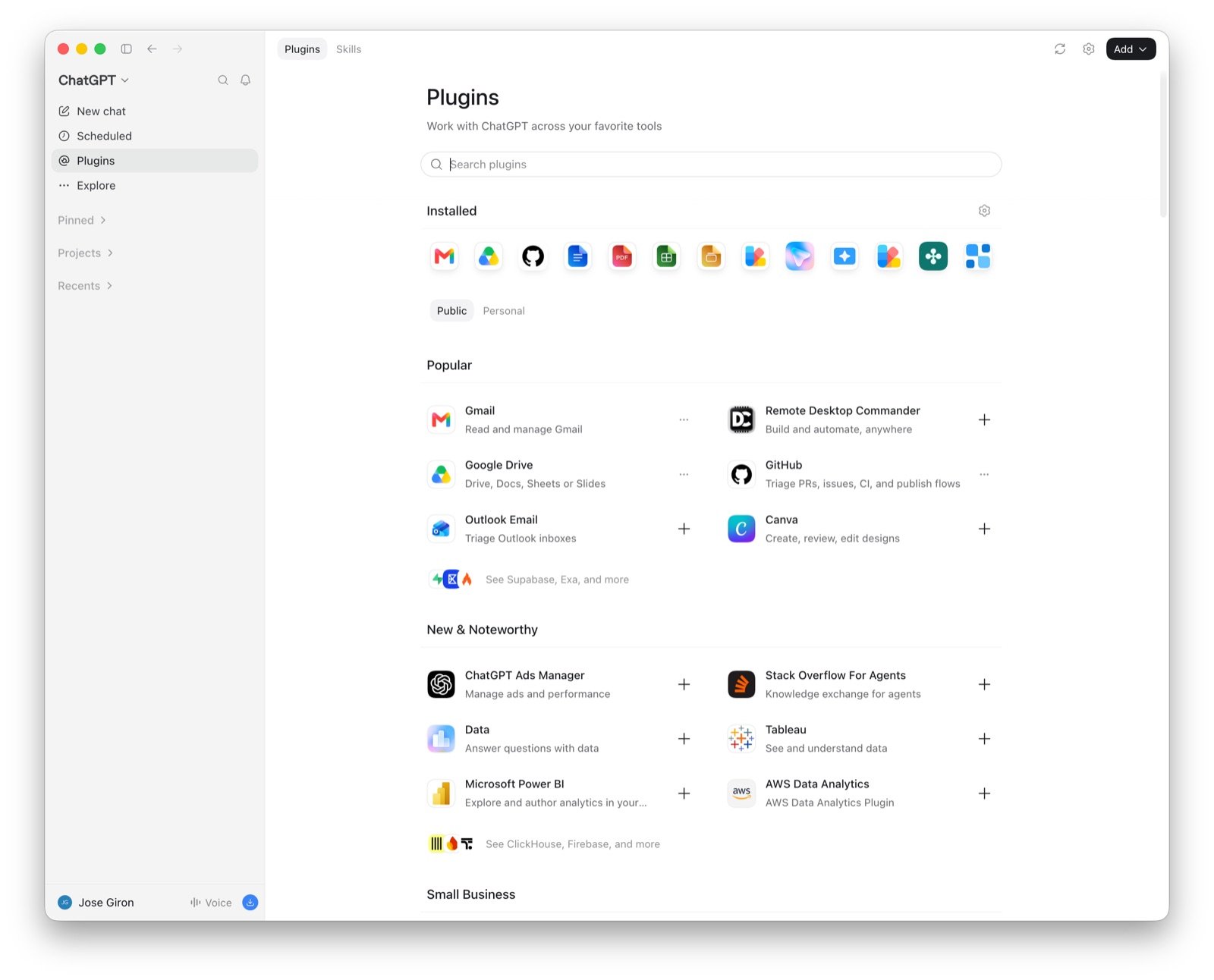
Step 2: Build something
Describe the app you want and name the system its data lives in. For example:1
Connector setup
If the connector you named isn’t set up yet, you get a setup card (or a link, in an AI client). Open it, connect the account, and the build continues. See Connectors.
2
Sandbox
The agent creates the app and writes the code in a cloud sandbox. It reads the connector’s schema and context documents so the queries match your data.
3
Preview
You get a live preview URL of the running app. Ask for changes in plain language and the preview updates.
4
Deploy
When it looks right, ask the agent to deploy. The app gets a production URL that you can share with your team. See Deploying.
Step 3: Next steps
Use cases
Copyable prompts for apps, agents, and workflows.
Apps
How apps are built, versioned, and deployed.
Agents
Build agents that act on your data, in Slack or on a schedule.
Connectors
See every connector Major supports.